A JavaScript ecosystem for making games
Write in JS, deploy everywhere via Unity.
import { render, Button } from "onejs-react"
import {
    GameObject, PrimitiveType, Random, Rigidbody, Vector3
} from "UnityEngine"

function dropBall() {
    const ball = GameObject.CreatePrimitive(PrimitiveType.Sphere)
    ball.transform.position = new Vector3(Random.Range(-2, 2), 6, 0)
    ball.AddComponent(Rigidbody)
}

render(<Button text="Drop Ball" onClick={dropBall} />, __root)TutorialsDocs
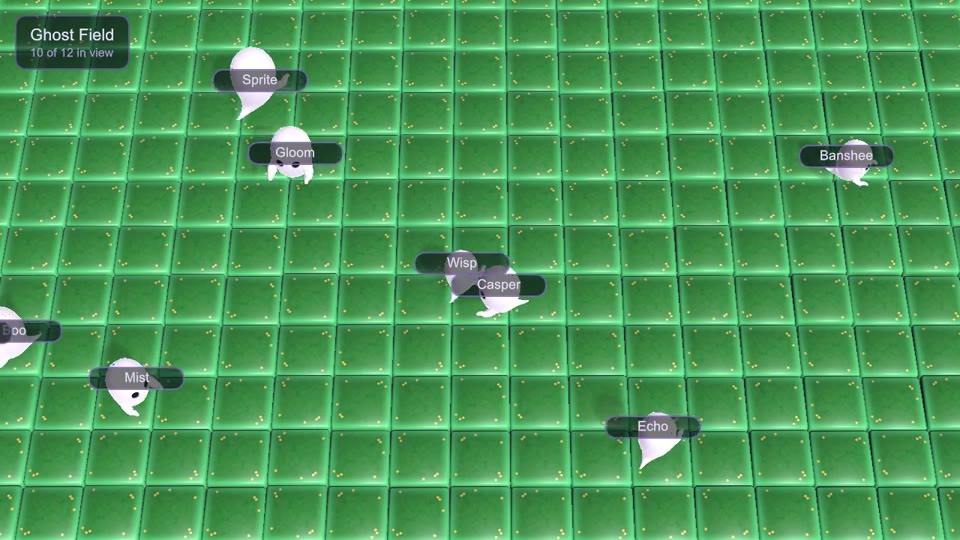 NameplatesDrive a 3D scene from JS and pin live nameplates on every character.
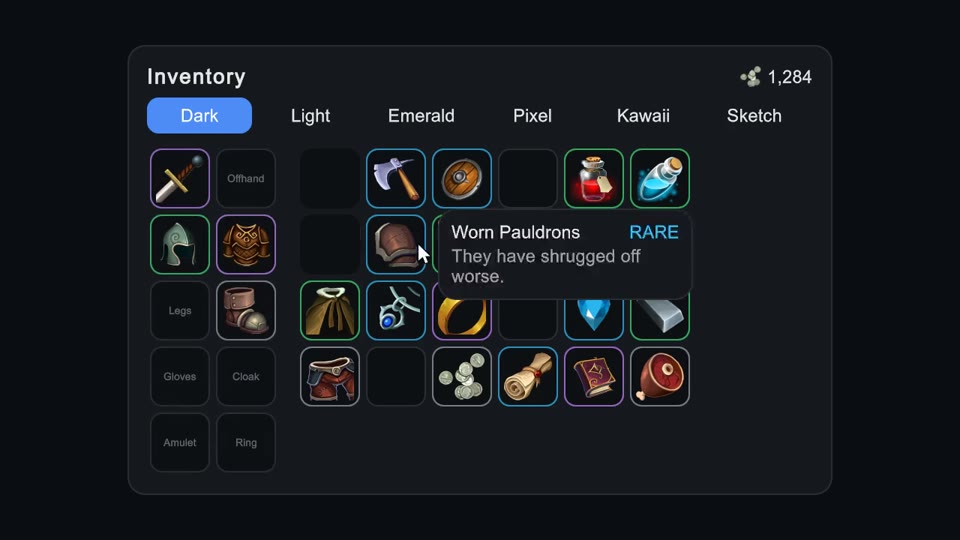 InventoryDrag-and-drop game UI with typed slots, smooth motion and live theming.
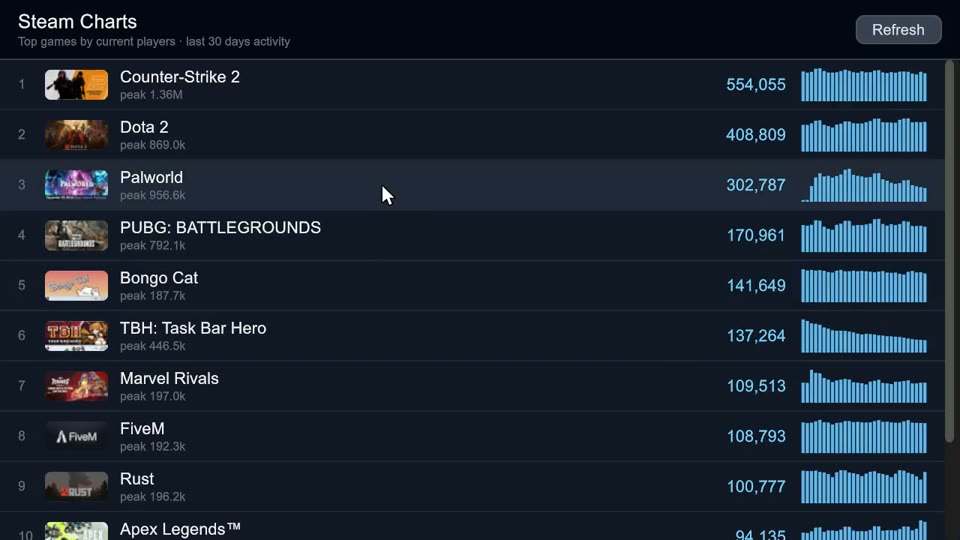 Steam ChartsA data app with fetch, async React state and vector bar graphs.
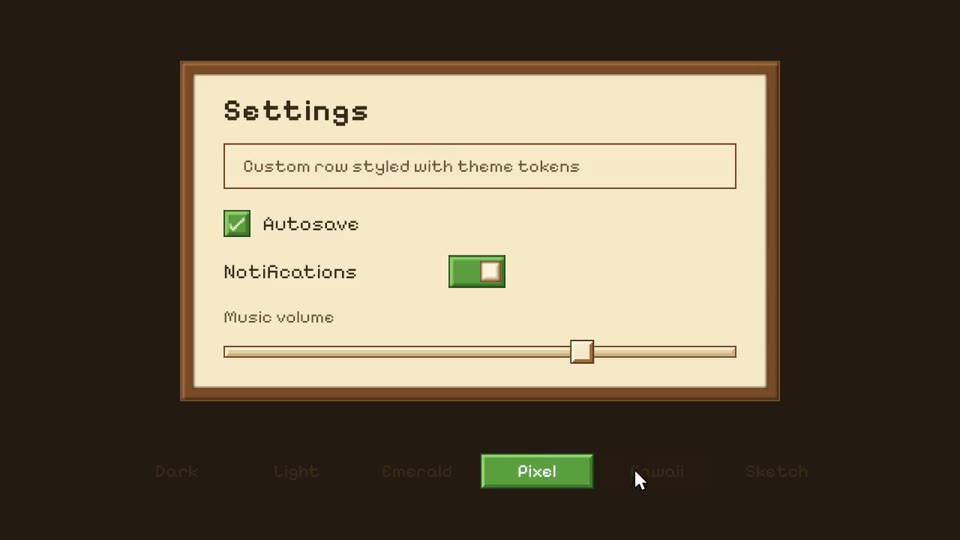 ThemingBuilt-in themes, your own brand theme, and the premade theme packs.
What we maintainGitHub
- OneJS3.9.14The Unity package. Runs TypeScript and React in Unity, on QuickJS or the browser's own engine.
- onejs-react0.4.3The React 19 renderer for Unity's UI Toolkit.
- onejs-ui0.0.6Themeable components for OneJS apps.
- onejs-unity0.11.2Build plugins: USS, CSS modules, Tailwind and imports from C#.
- onejs-sl0.9.2A small shader language, compiled to HLSL, WGSL and GLSL ES.
- unity-types6000.5.5TypeScript types for Unity 6000.5.
- ojplay0.12.2OJPlay from the terminal: build, run and test games.
- UnityMCP1.2.0Lets AI assistants work in the Unity editor, over MCP.
OJPlay alphaAll games
 Fortnite HUDA Fortnite style HUD: shield and health bars, an inventory bar, a panning minimap and the storm timer.
 Overwatch HUDAn Overwatch style HUD: a segmented health bar, an ultimate meter that crackles when full, and abilities on cooldown.